GetSales
INTEGRATIONS
Native integration
Add warmed-up MirrorProfiles accounts to GetSales as sender profiles, each in its own cloud browser, and rotate them across your automations. Partner offer: your first month of GetSales free.
Rent accounts for GetSales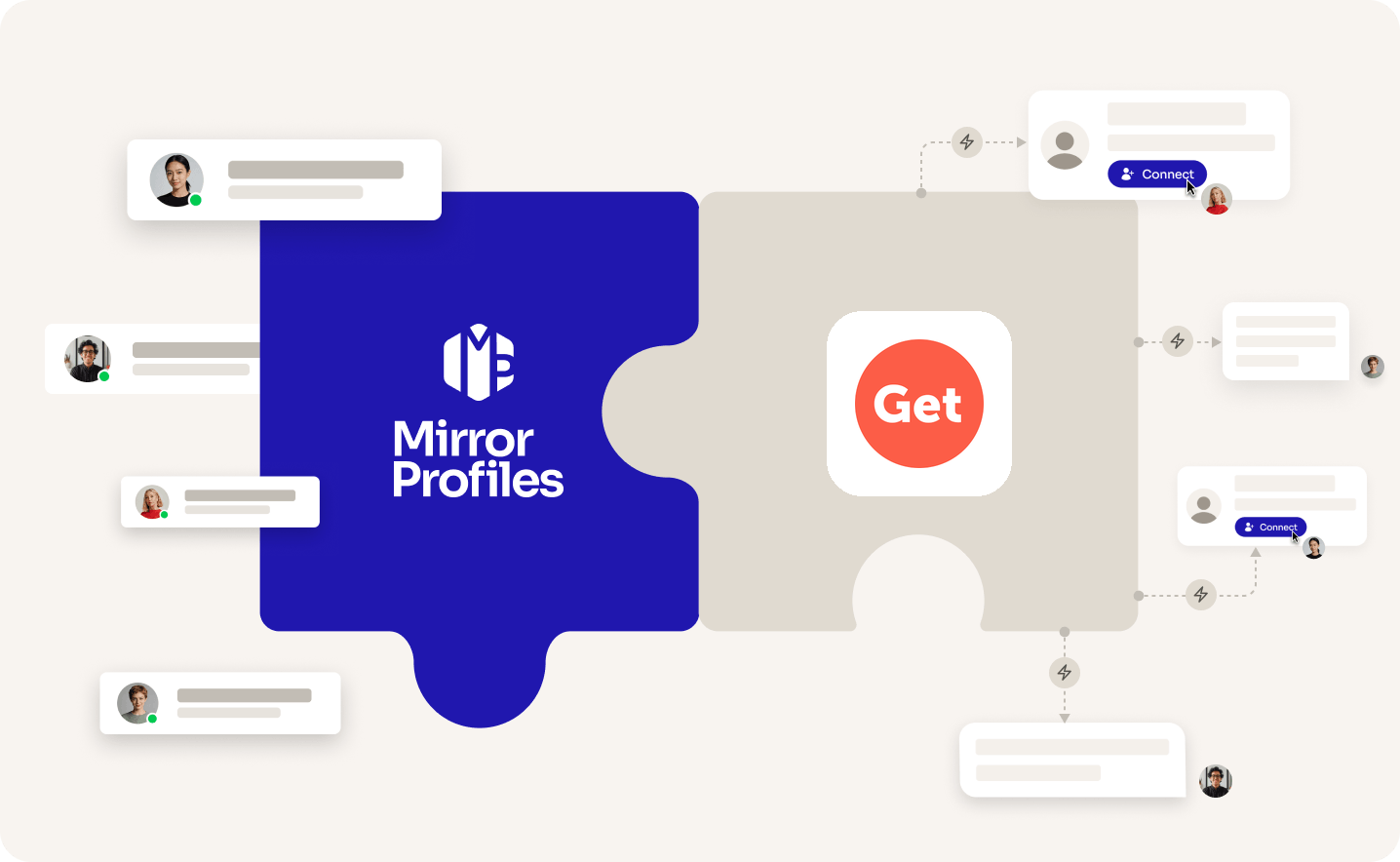
Add accounts
as you grow
Cloud browser
per sender
No
commitment
Clear
usage rules
THE TWO SIDES

THE TOOL
GETSALES
A cloud outreach platform for LinkedIn and email, made for agencies and outbound teams that run many sender profiles. Each LinkedIn account works from its own cloud browser, so nothing has to stay open on your side.

THE ACCOUNT
MirrorProfiles
Warmed-up LinkedIn accounts, set up for automation, with no commitment and monthly billing. Add them to GetSales as sender profiles to multiply your reach, and keep your team's personal profiles out of your outreach.
4 months
of manual warmup
Warmed up by hand by our team before it reaches you. No shortcuts, no bots.
500+
real connections
A network already in place from day one, ready for your outreach.
48H
delivery, and we can add them to GetSales for you
Your accounts are ready within 48 hours. Request the setup from your client area and our team adds them to GetSales as sender profiles, free of charge.
BETTER TOGETHER
Four things you get from the pairing, and who brings what.
 GetSales brings it
 MirrorProfiles brings it
1. Reach that grows with each sender
Each account keeps its own weekly pace. Rotate several MirrorProfiles accounts in your GetSales automations and your weekly reach grows with every sender you add.
2. Sender profiles ready from day one
Our accounts arrive warmed up with 500+ connections, ready for outreach. Request the setup from your client area and our team turns them into GetSales sender profiles for you.
3. Nothing to keep open
Each sender works from its own GetSales cloud browser, so your automations keep running with your computer off.
4. LinkedIn and email in one flow
GetSales Enrich and Scale plans add email inboxes to the same automations, and every reply lands in one Unibox.
SETUP
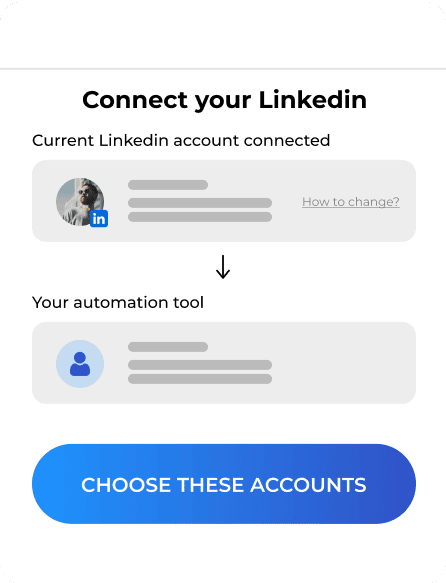
The simplest way: request the setup from your client area, share your GetSales access, and our team adds your accounts for you. Prefer to do it yourself? Each account connects in a few minutes through a GetSales cloud browser.

FAQ
Can't find what you're looking for? Our team responds within a few hours.
Talk to salesRequest it from your client area and share your GetSales access: our team adds your accounts as sender profiles, usually within 2 hours, free of charge. You can also do it yourself. Open the account's dedicated browser profile, log in to GetSales, create a sender profile and click Open Cloud Browser. Sign in there with the login details from your platform, enter the verification code waiting in your platform when asked, then click I have logged in. GetSales saves and verifies the sender.
Keep each account within our usage rules: 100 to 120 connection requests a week, up to 40 messages a day, and no profile visits. GetSales has no fixed default: its AI Warmup sets daily limits from each account's health and raises them step by step. Plan your automations so each sender stays within 100 to 120 connection requests a week, and skip profile visit steps.
As many as you have seats: one GetSales seat is one sender profile, and the price per seat falls as you add seats. Your automations can then rotate leads across all your senders. On our side you rent accounts one by one, with no commitment, and add more whenever your campaigns need them.
GetSales is billed per seat. On monthly billing, a single seat costs $69 on Send (LinkedIn only), $89 on Enrich and $119 on Scale, the two plans that add email inboxes, and the price per seat drops as you add seats (GetSales pricing, checked in October 2026). Its pricing page shows the 5-seat price by default. Rent your accounts with MirrorProfiles and you get your first month of GetSales free.
No. GetSales runs each sender in its own cloud browser, so your automations keep going with your computer off, and LinkedIn messages sync while the sender is within its active schedule. If an account gets logged out, GetSales does not log it back in by itself: click Log back in to LinkedIn, sign in with the login details from your platform, then click I have logged in. Or ask our team from your client area.
Your reps' personal profiles carry their own network and reputation, and each LinkedIn account has a natural weekly capacity. Dedicated MirrorProfiles accounts add senders to GetSales without putting those personal profiles in your outreach. And when a rep moves on, the sender profiles and their connections stay with your company.
GetSales is a trademark of its owner. MirrorProfiles is an independent platform; partner offers follow the partner's terms.
Stable accounts. Plug-and-play infrastructure. Outbound at scale.

Simulator
Your setup
 Here's how we calculate it
~ 250
Leads/month
€1,190
/mo
~ €4.76
/Lead
Your target
The more accounts, the lower the price per account.
Europe
United States
For 10 accounts
€119 -15%
/ account / month
European accounts for European markets (Europe, Morocco, Algeria, Russia).
American accounts for American markets (North and South America).
Total
€1,190/month