PhantomBuster
INTEGRATIONS
Compatible
Run PhantomBuster's LinkedIn Outreach automation on warmed-up MirrorProfiles accounts: connection requests with a personal note, then up to three follow-up messages.
Rent accounts for PhantomBuster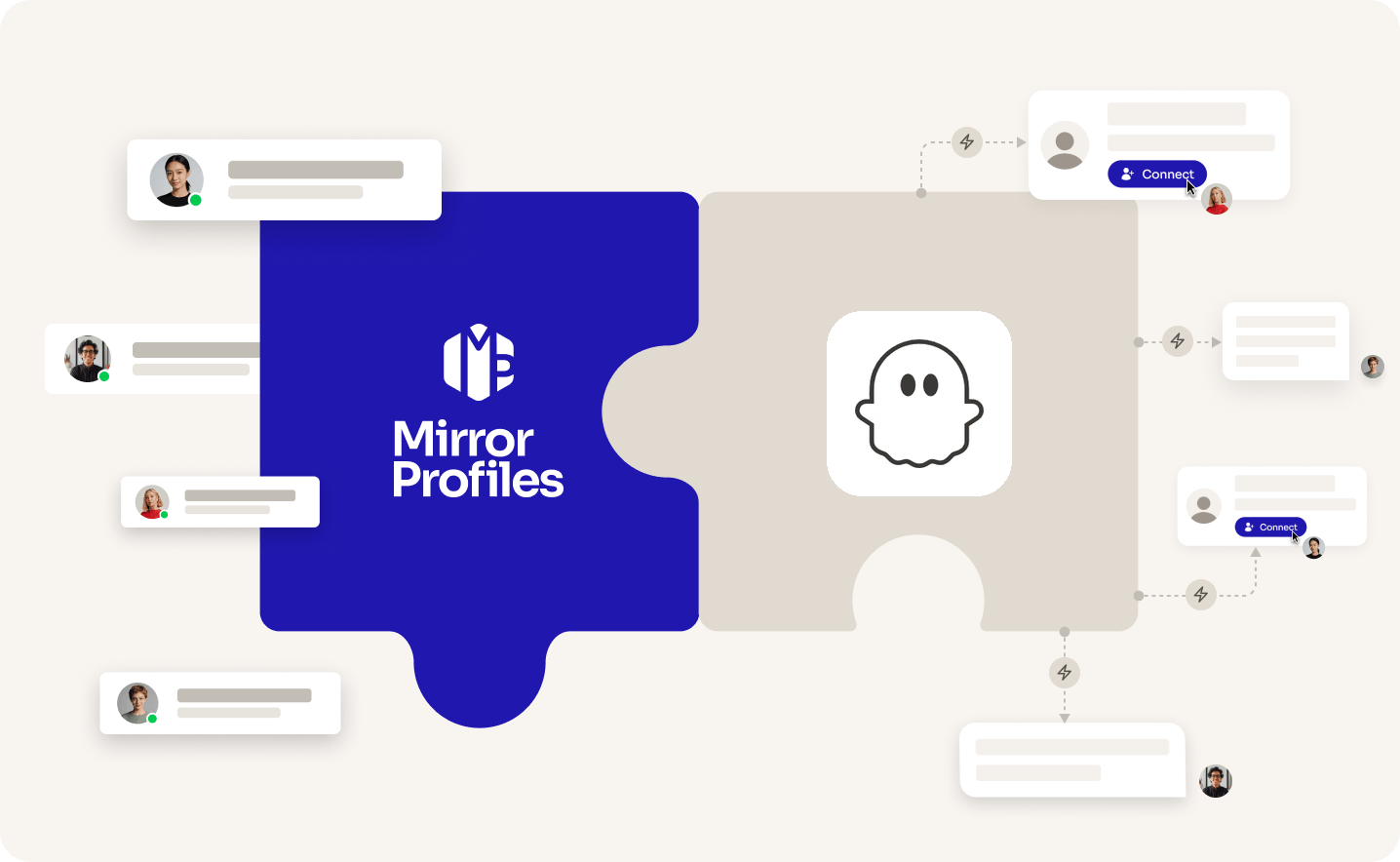
Add accounts
as you grow
Automated
follow-ups
No
commitment
Clear
usage rules
THE TWO SIDES

THE TOOL
PHANTOMBUSTER
A cloud automation platform paired with a browser extension. Its LinkedIn Outreach automation sends connection requests and follow-up messages on a schedule, for sales reps, growth marketers and agencies who set up their own automations.

THE ACCOUNT
MirrorProfiles
Warmed-up LinkedIn accounts, set up for automation, with no commitment and monthly billing. Connect them to PhantomBuster to multiply your reach, and keep your team's personal profiles out of your outreach.
4 months
of manual warmup
Warmed up by hand by our team before it reaches you. No shortcuts, no bots.
500+
real connections
A network already in place from day one, ready for your outreach.
48H
delivery, and we can add them to PhantomBuster for you
Your accounts are ready within 48 hours. Request the setup from your client area and our team adds them to PhantomBuster, free of charge.
BETTER TOGETHER
Four things you get from the pairing, and who brings what.
 PhantomBuster brings it
 MirrorProfiles brings it
1. One automation per account
Each account keeps its own weekly pace. Give each MirrorProfiles account its own LinkedIn Outreach automation and your total reach grows with every account you add.
2. Outreach from day one
Our accounts arrive warmed up with 500+ connections. Request the setup from your client area and our team adds them to PhantomBuster, ready for your first launch.
3. Follow-ups that stop on reply
PhantomBuster sends up to three follow-ups, only to prospects who have not replied, so no one who answers gets another scheduled message.
4. Runs while you're away
Once launched, PhantomBuster's automations run in its cloud on the schedule you set, daily or every few days, even with your browser closed.
SETUP
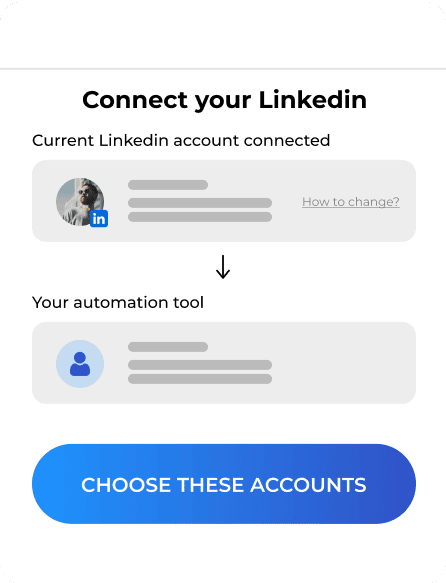
The simplest way: request the setup from your client area, share your PhantomBuster access, and our team adds your accounts for you. Prefer to do it yourself? The PhantomBuster extension links each account from its dedicated browser profile.

FAQ
Can't find what you're looking for? Our team responds within a few hours.
Talk to salesRequest it from your client area and share your PhantomBuster access: our team adds your accounts for you, usually within 2 hours, free of charge. To do it yourself, open the account's dedicated browser profile and check that LinkedIn is logged in, using the login details and verification code from your platform if asked. Add the PhantomBuster extension to that profile, then click Connect to LinkedIn in the LinkedIn Outreach setup and save. If LinkedIn logs the account out later, reconnect it the same way.
Keep each account within our usage rules: 100 to 120 connection requests a week, up to 40 messages a day, and no profile visits. PhantomBuster's own ramp-up guide goes up to 60 to 80 profiles a day on a standard account, a higher volume than ours, so use Results per launch and the launch schedule to keep each account within 100 to 120 a week. Skip profile visit steps, such as the Profile Visitor in warm-up workflows.
PhantomBuster bills per workspace, not per LinkedIn account: each plan sets a number of slots and execution hours that your whole team shares. Each account runs its own LinkedIn Outreach automation, which takes 2 slots, so the Start plan's 5 slots fit two outreach automations. With MirrorProfiles you rent accounts one by one, with no commitment, and move up a PhantomBuster plan when you need more slots.
PhantomBuster Start costs $69 a month per workspace on monthly billing, or $56 a month billed annually, with 5 slots and 20 hours of execution time (PhantomBuster pricing, checked in October 2026). A 14-day free trial, with no card required, lets you try it first.
Yes. Its LinkedIn Outreach automation sends connection requests, with or without a personal note, then up to three follow-up messages, only to prospects who have not replied. You give it a list of profile URLs, up to 5,000 per list, and it works through them on your schedule. PhantomBuster does not send emails.
Outreach automations draw on an account's weekly capacity, and each account only has so much. Running them on dedicated MirrorProfiles accounts adds capacity account by account, while your team's personal profiles stay with their own network. The accounts and the connections they make stay with your company, whoever joins or leaves the team.
PhantomBuster is a trademark of its owner. MirrorProfiles is an independent platform; not affiliated with PhantomBuster.
Stable accounts. Plug-and-play infrastructure. Outbound at scale.

Simulator
Your setup
 Here's how we calculate it
~ 250
Leads/month
€1,190
/mo
~ €4.76
/Lead
Your target
The more accounts, the lower the price per account.
Europe
United States
For 10 accounts
€119 -15%
/ account / month
European accounts for European markets (Europe, Morocco, Algeria, Russia).
American accounts for American markets (North and South America).
Total
€1,190/month