Kanbox
INTEGRATIONS
Compatible
Add warmed-up MirrorProfiles accounts to Kanbox, switch between them in one interface and run LinkedIn sequences that move each lead along your Kanban pipelines.
Rent accounts for Kanbox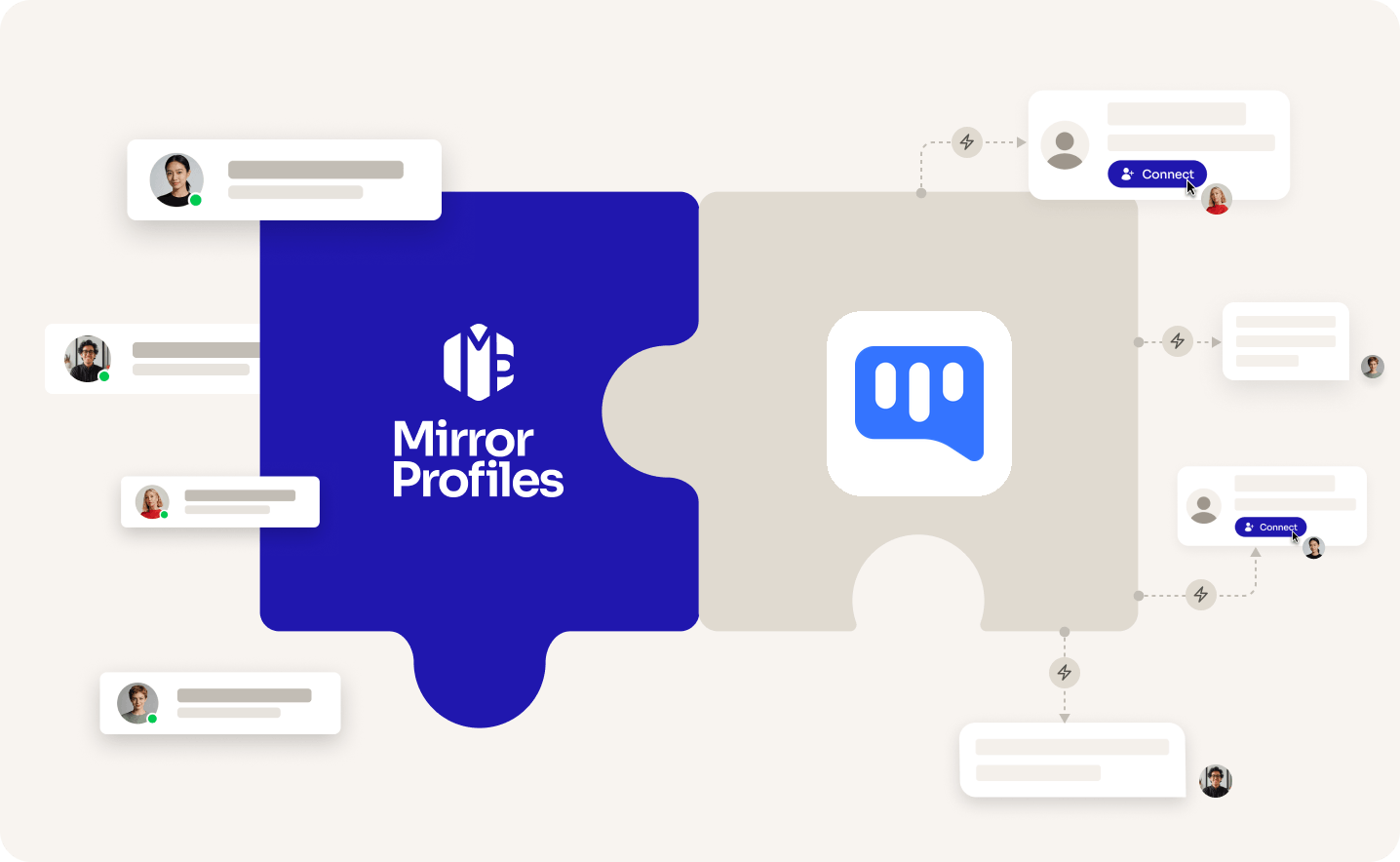
Add accounts
as you grow
Kanban
pipelines
No
commitment
Clear
usage rules
THE TWO SIDES

THE TOOL
KANBOX
A French LinkedIn CRM with automated sequences, used by freelancers, sales teams, recruiters and agencies. It connects through a Chrome extension and turns your LinkedIn inbox and leads into Kanban pipelines.

THE ACCOUNT
MirrorProfiles
Warmed-up LinkedIn accounts, set up for automation, with no commitment and monthly billing. Add them to Kanbox to multiply your reach, and keep your team's personal profiles out of your outreach.
4 months
of manual warmup
Warmed up by hand by our team before it reaches you. No shortcuts, no bots.
500+
real connections
A network already in place from day one, ready for your outreach.
48H
delivery, and we can add them to Kanbox for you
Your accounts are ready within 48 hours. Request the setup from your client area and our team adds them to Kanbox for you, at no extra cost.
BETTER TOGETHER
Four things you get from the pairing, and who brings what.
 Kanbox brings it
 MirrorProfiles brings it
1. One interface, more accounts
Each account keeps its own weekly pace. In Kanbox's multi-account mode, every MirrorProfiles account you add brings its own sequences and leads, and your total reach grows with it.
2. Ready on day one
Our accounts arrive warmed up with 500+ connections. Request the setup from your client area and our team adds them to Kanbox for you, so your first sequence can start right away.
3. Pipelines that update themselves
Leads sit in Kanban boards and move from column to column as your campaigns progress, so you always see where each conversation stands.
4. AI on every conversation
AI-personalised messages, an AI filter that scores leads against your ideal customer profile and an AI response agent help you keep every conversation moving.
SETUP
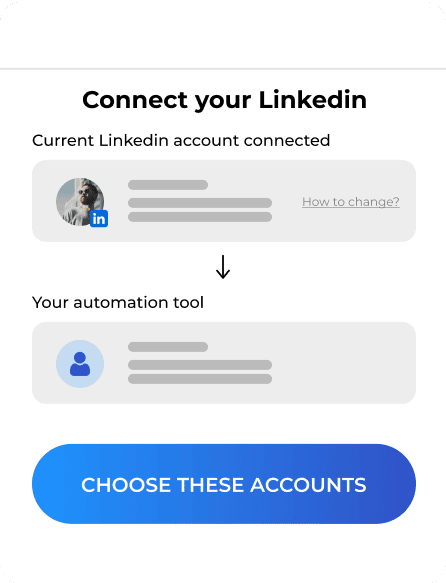
The simplest way: request the setup from your client area, share your Kanbox access, and our team adds your accounts for you. To do it yourself, use the Kanbox extension in each account's dedicated browser profile.
FAQ
Can't find what you're looking for? Our team responds within a few hours.
Talk to salesRequest it from your client area and share your Kanbox access: our team adds your accounts for you, usually within 2 hours, free of charge. You can also do it yourself: open the account's dedicated browser profile, install the Kanbox Chrome extension and sign in to LinkedIn in a tab with the login details and verification code from your platform. Then, in Kanbox, add a LinkedIn account, choose Connect, check the name shown and confirm. For several accounts, turn on multi-account mode in Settings first.
Keep each account within our usage rules: 100 to 120 connection requests a week, up to 40 messages a day, and no profile visits. In Kanbox, open Settings, then Limits. Its suggested ceiling of about 20 connection requests a day and 100 a week fits, but bring messages and follow-ups down to 40 a day. Kanbox sequences can include a profile visit, so skip profile visit steps. These limits only count automated actions, so keep manual activity in mind too.
Kanbox is billed per LinkedIn account. Starter covers one account; from Essential, multi-account mode puts several accounts in one interface, each with its own limits, sequences, inbox and leads, and Agency plans bundle 5 to 10, 11 to 30 or 31+ accounts. On our side you rent accounts one by one, with no commitment, and add more when your pipeline needs them.
Kanbox Starter costs €25 a month on monthly billing, or €15 a month billed annually. Essential and Pro are listed at €45 and €80 per LinkedIn account per month (Kanbox pricing, checked in October 2026). A 15-day free trial needs no credit card.
No. Kanbox focuses on LinkedIn, with sequences, an inbox and pipelines, plus an email finder to collect addresses but no email sequences.
Kanbox's multi-account mode is designed to put several LinkedIn accounts side by side. With dedicated MirrorProfiles accounts, each one adds a natural weekly capacity, your team's personal profiles stay out of your outreach, and the accounts and their connections stay with your company when someone leaves.
Kanbox is a trademark of its owner. MirrorProfiles is an independent platform; not affiliated with Kanbox.
Stable accounts. Plug-and-play infrastructure. Outbound at scale.

Simulator
Your setup
 Here's how we calculate it
~ 250
Leads/month
€1,190
/mo
~ €4.76
/Lead
Your target
The more accounts, the lower the price per account.
Europe
United States
For 10 accounts
€119 -15%
/ account / month
European accounts for European markets (Europe, Morocco, Algeria, Russia).
American accounts for American markets (North and South America).
Total
€1,190/month