Linked Helper
INTEGRATIONS
Compatible
Add warmed-up MirrorProfiles accounts to the Linked Helper desktop app, each in its own instance, and run invitation and message campaigns from your computer or a VPS.
Rent accounts for Linked Helper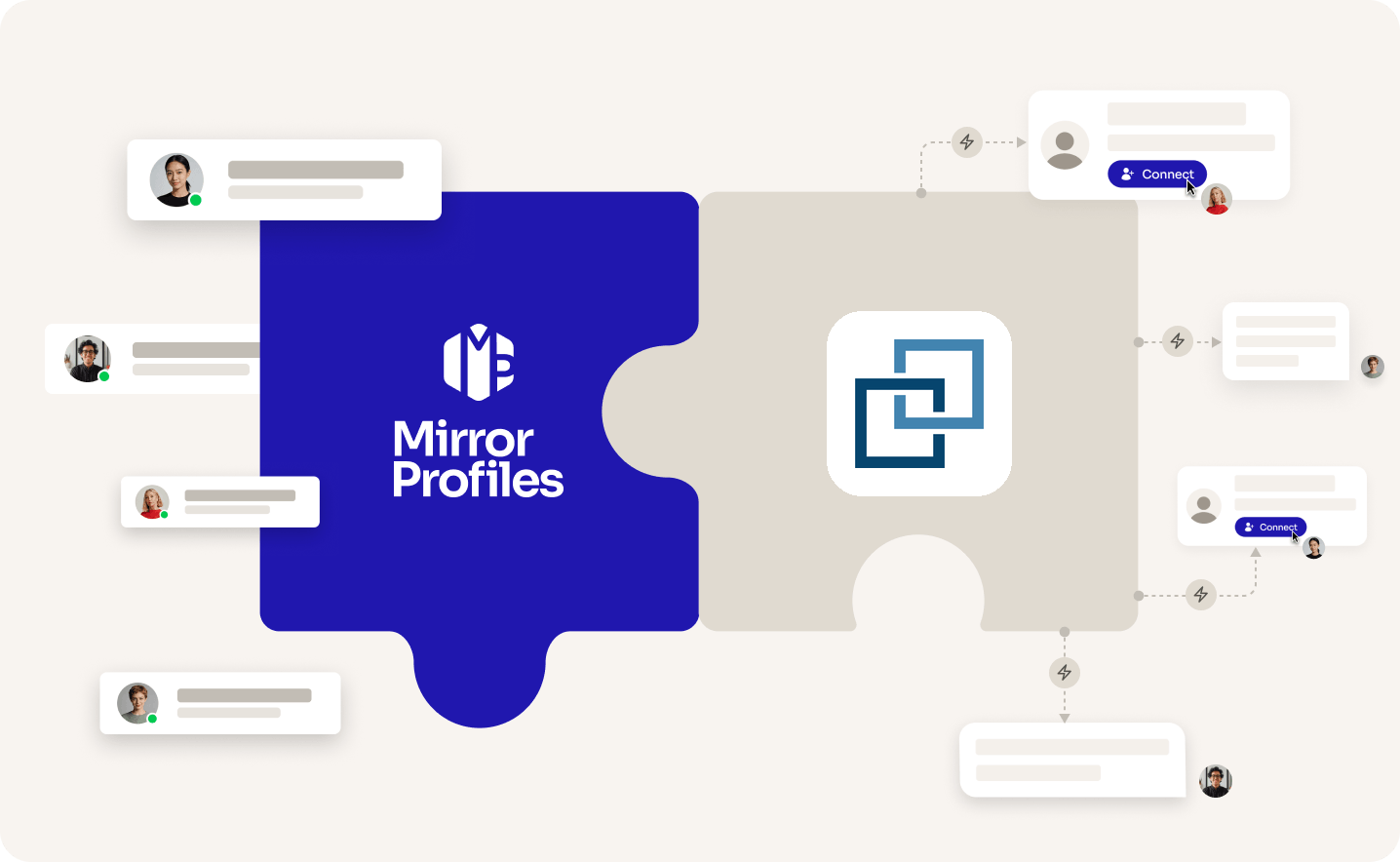
Add accounts
as you grow
One instance
per account
No
commitment
Clear
usage rules
THE TWO SIDES

THE TOOL
LINKED HELPER
A desktop app for Windows, macOS and Ubuntu that works as a smart browser for LinkedIn outreach. It runs on your computer or a VPS, gives each account its own instance, and suits users who want fine control.

THE ACCOUNT
MirrorProfiles
Warmed-up LinkedIn accounts, set up for automation, with no commitment and monthly billing. Add them to Linked Helper to multiply your reach, and keep your team's personal profiles out of your outreach.
4 months
of manual warmup
Warmed up by hand by our team before it reaches you. No shortcuts, no bots.
500+
real connections
A network already in place from day one, ready for your outreach.
48H
delivery, and we can add them to Linked Helper for you
Your accounts are ready within 48 hours. For a desktop app, the easiest route is to request the setup from your client area: our team adds them to Linked Helper, free of charge.
BETTER TOGETHER
Four things you get from the pairing, and who brings what.
 Linked Helper brings it
 MirrorProfiles brings it
1. One license, one more account
Each account keeps its own weekly pace. Give every MirrorProfiles account its own Linked Helper instance and your reach grows with each license you add.
2. Warm accounts, no setup chores
Our accounts arrive warmed up with 500+ connections. Request the setup from your client area and our team adds them to Linked Helper, so your campaigns start without a ramp-up.
3. Fine control over every action
Linked Helper's campaign builder offers more than 30 action types, from invitations and message sequences to InMails, follows and invitation withdrawal.
4. A workspace for each client
Isolated workspaces, roles per account and read-only client guests keep each client's outreach separate, and workspace members need no license.
SETUP
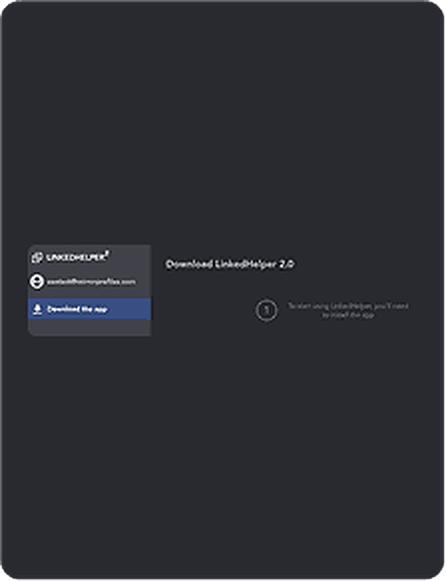
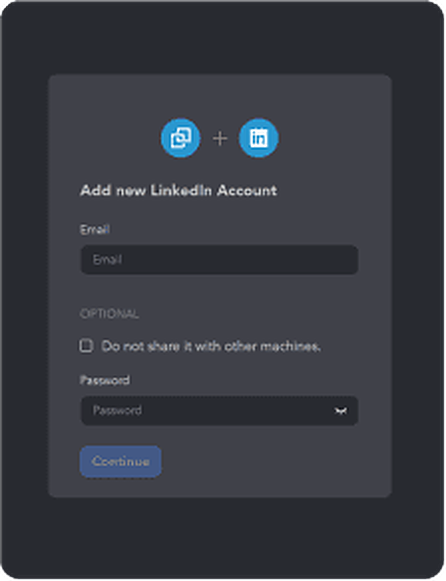
We recommend the simplest way: request the setup from your client area, share your Linked Helper access, and our team adds your accounts for you. Prefer to do it yourself? Add each account in the app with the login details from your platform.
FAQ
Can't find what you're looking for? Our team responds within a few hours.
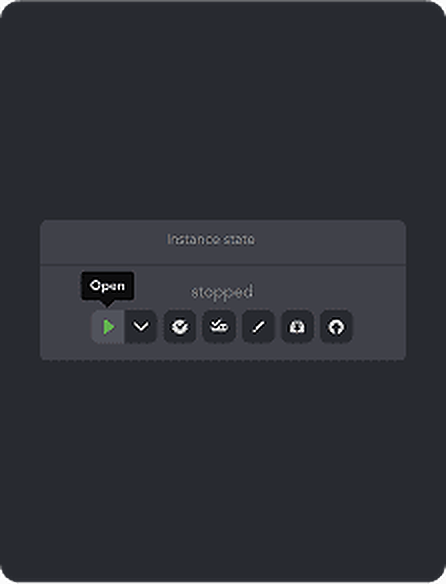
Talk to salesThe easiest way is to request it from your client area and share your Linked Helper access: our team adds your accounts for you, usually within 2 hours, free of charge. To do it yourself, open the Linked Helper Launcher, go to LinkedIn Accounts, click Add new and enter the login details from your platform. Linked Helper gives the account its own instance. Attach a license and click Open; if a verification code is requested, it is waiting in your platform.
Keep each account within our usage rules: 100 to 120 connection requests a week, up to 40 messages a day, and no profile visits. Linked Helper's suggested limits for accounts older than a year reach 50 invitations a day, so lower the invitation limit until each account stays within 100 to 120 a week, keep messages at 40 a day or fewer, and skip profile visit steps in your campaigns.
One license runs one LinkedIn account at a time: you can move it to another account, but not run two at once. Several accounts can run on the same computer or VPS, each in its own instance, as long as the machine has the power for it. On our side you rent accounts one by one, with no commitment.
Linked Helper Standard costs $15 per license for one month, or $8.25 a month on a 12-month license, and Pro costs $45 a month (Linked Helper pricing, checked in October 2026). These prices are for local storage, and lower rates apply from 10 licenses. The 14-day free trial gives full Pro access without a credit card.
Yes. Linked Helper runs on your computer or on a VPS you control, and campaigns only run while that machine is on with the app open.
Each LinkedIn account has a natural weekly capacity, and no desktop app changes that. Dedicated MirrorProfiles accounts let you add capacity license by license, while your colleagues keep their personal profiles for their own network. The accounts and their connections also stay with your company when people change roles.
Linked Helper is a trademark of its owner. MirrorProfiles is an independent platform; not affiliated with Linked Helper.
Stable accounts. Plug-and-play infrastructure. Outbound at scale.

Simulator
Your setup
 Here's how we calculate it
~ 250
Leads/month
€1,190
/mo
~ €4.76
/Lead
Your target
The more accounts, the lower the price per account.
Europe
United States
For 10 accounts
€119 -15%
/ account / month
European accounts for European markets (Europe, Morocco, Algeria, Russia).
American accounts for American markets (North and South America).
Total
€1,190/month