Octopus CRM
INTEGRATIONS
Compatible
Install Octopus CRM in each account's dedicated browser profile and automate personalized connection requests, messages and skill endorsements on warmed-up MirrorProfiles accounts.
Rent accounts for Octopus CRM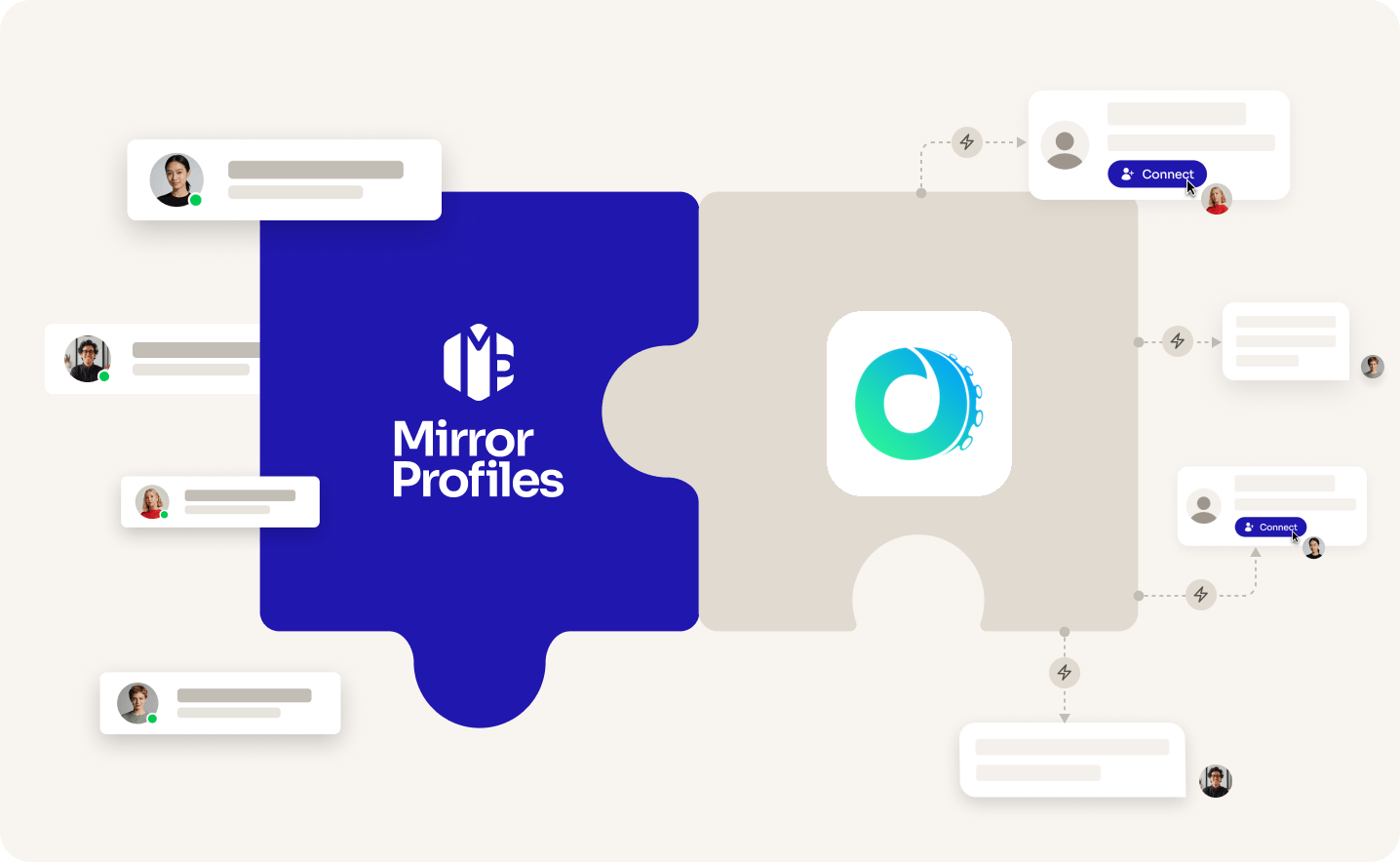
Add accounts
as you grow
Automated
funnels
No
commitment
Clear
usage rules
THE TWO SIDES

THE TOOL
OCTOPUS CRM
A Chrome extension for LinkedIn automation, made for founders, marketing agencies, recruiters and sales teams. It works in the browser where the LinkedIn account is open, with one Octopus subscription per account and a low entry price.

THE ACCOUNT
MirrorProfiles
Warmed-up LinkedIn accounts, set up for automation, with no commitment and monthly billing. Run Octopus CRM on each of them to multiply your reach, and keep your team's personal profiles out of your outreach.
4 months
of manual warmup
Warmed up by hand by our team before it reaches you. No shortcuts, no bots.
500+
real connections
A network already in place from day one, ready for your outreach.
48H
delivery, and we can add them to Octopus CRM for you
Your accounts are ready within 48 hours. Request the setup from your client area and our team installs Octopus CRM on each one, free of charge.
BETTER TOGETHER
Four things you get from the pairing, and who brings what.
 Octopus CRM brings it
 MirrorProfiles brings it
1. More accounts, more reach
Each account keeps its own weekly pace. Run Octopus CRM on several MirrorProfiles accounts, one browser profile each, and your reach grows with every account you add.
2. Ready from day one
Our accounts arrive warmed up with 500+ connections. Ask for the setup from your client area and our team installs Octopus CRM on them: nothing to warm up, nothing to configure.
3. A low cost per account
Octopus CRM starts at $9.99 a month per LinkedIn account, so adding one more account to your outreach costs little on the tool side.
4. Endorsements in your funnels
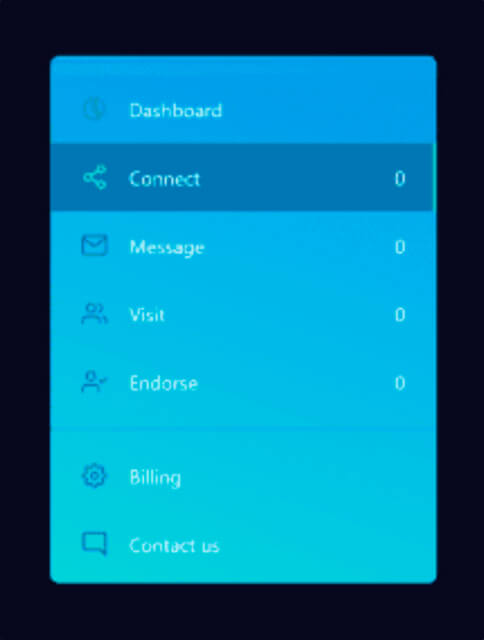
From the Advanced plan, Octopus CRM chains connection requests, thank-you messages, skill endorsements and follow-ups into one funnel per audience.
SETUP
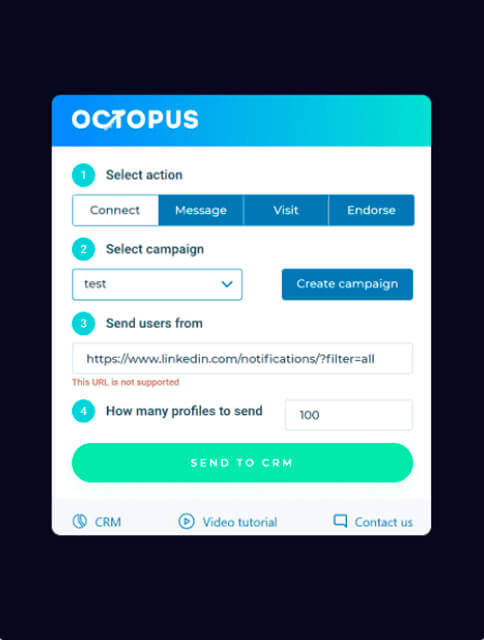
The simplest way: request the setup from your client area, share your Octopus CRM access, and our team adds your accounts for you. Prefer to do it yourself? The extension installs in minutes in each account's dedicated browser profile.

FAQ
Can't find what you're looking for? Our team responds within a few hours.
Talk to salesRequest it from your client area and share your Octopus CRM access: our team installs it on your accounts for you, usually within 2 hours, free of charge. You can also do it yourself. Open the account's dedicated browser profile from your platform, add Octopus CRM from the Chrome Web Store and sign in to Octopus. The extension works with the LinkedIn account open in that profile, so Octopus never asks for login details. If LinkedIn asks you to log in again, use the login details and verification code from your platform.
Keep each account within our usage rules: 100 to 120 connection requests a week, up to 40 messages a day, and no profile visits. Octopus CRM works through the profiles you send to its CRM page, so size each batch of connection requests to stay within 100 to 120 a week per account, keep message batches to 40 a day, and leave the Visit action unused.
One per Octopus subscription. Each Octopus account is tied to one LinkedIn account, so you subscribe once per account and run each one in its own dedicated browser profile. Octopus offers special pricing on request to agencies running 20 or more accounts. On our side, accounts are rented one at a time with no commitment: add one whenever you open a new Octopus subscription.
Octopus CRM Starter costs $9.99 a month per LinkedIn account and covers personalized connection requests. Messages and endorsements start with Pro at $14.99 a month, campaigns and funnels with Advanced at $21.99, and the Zapier connection to HubSpot or Google Sheets comes with the top plan at $39.99 (Octopus CRM pricing, checked in October 2026). A 7-day free trial gives full access, with no card required.
Yes. Octopus CRM is a Chrome extension, so campaigns run only while the account's dedicated browser profile stays open on a computer that is switched on. You can keep working in other tabs and apps meanwhile.
Octopus CRM acts in whichever LinkedIn account is open in the browser. Giving it dedicated MirrorProfiles accounts adds a natural weekly capacity per account and keeps your team's personal profiles out of your outreach. When someone leaves, the accounts and the connections they made stay with your company.
Octopus CRM is a trademark of its owner. MirrorProfiles is an independent platform; not affiliated with Octopus CRM.
Stable accounts. Plug-and-play infrastructure. Outbound at scale.

Simulator
Your setup
 Here's how we calculate it
~ 250
Leads/month
€1,190
/mo
~ €4.76
/Lead
Your target
The more accounts, the lower the price per account.
Europe
United States
For 10 accounts
€119 -15%
/ account / month
European accounts for European markets (Europe, Morocco, Algeria, Russia).
American accounts for American markets (North and South America).
Total
€1,190/month